Amazon Kindle Scribe 64GB (Newest Model)
Condition
Amazon Refurbished
Features
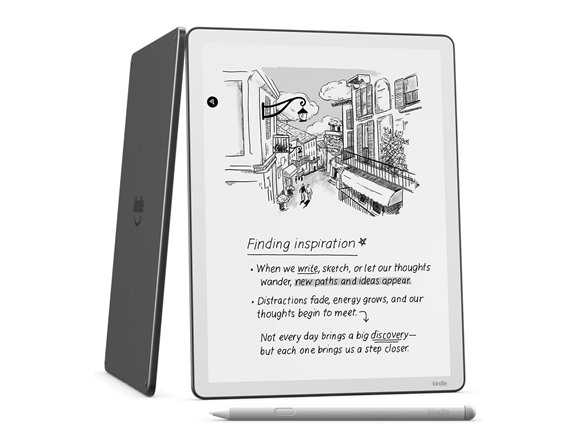
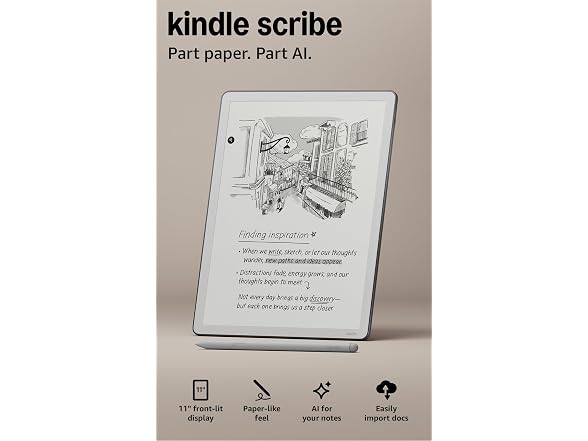
- All-new Kindle Scribe – Features an 11” glare-free display with front light, built-in notebook, AI tools, and support for popular cloud services.
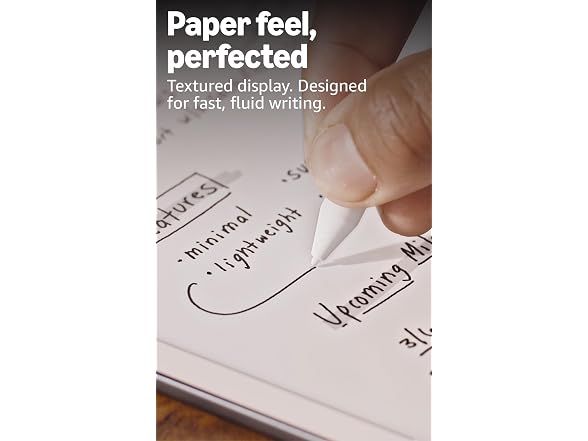
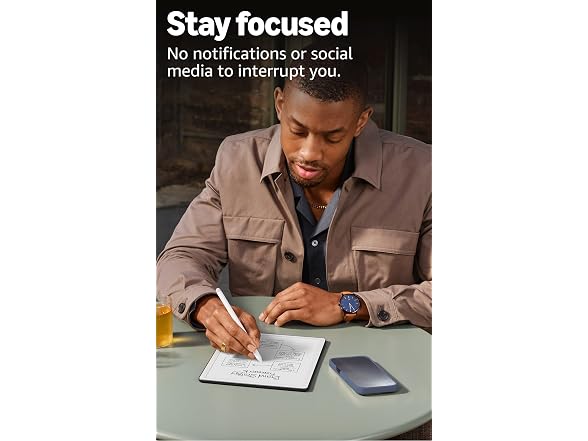
- Feels just like paper – Textured surface and ultra-fast responsiveness for a natural writing experience. Included Premium Pen requires no charging.
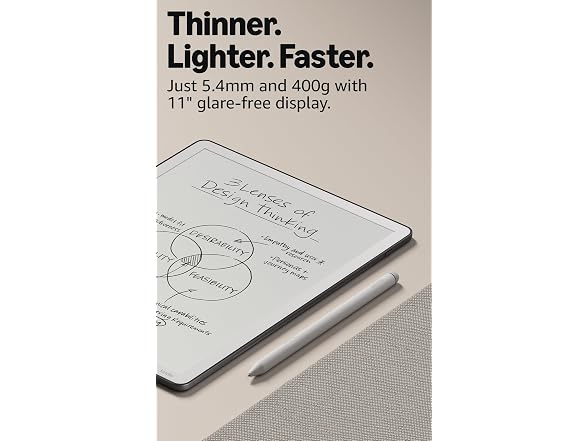
- Thinner, lighter, faster – At just 5.4mm thin and 400g light, it's redesigned for comfort, with a larger 11” display, and 40% faster writing and page turns.
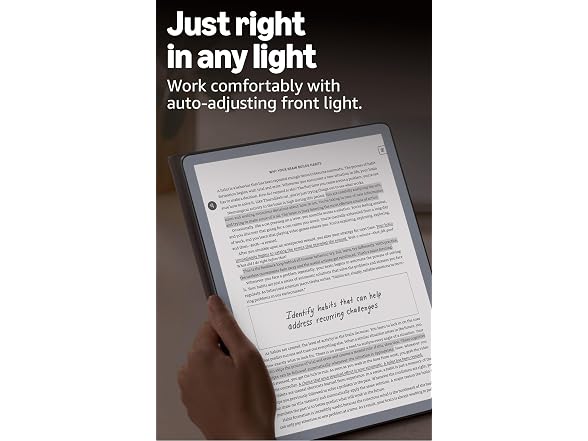
- Just right in any light – The display automatically adapts brightness to your lighting conditions. Adjust the warmth for greater comfort at night.
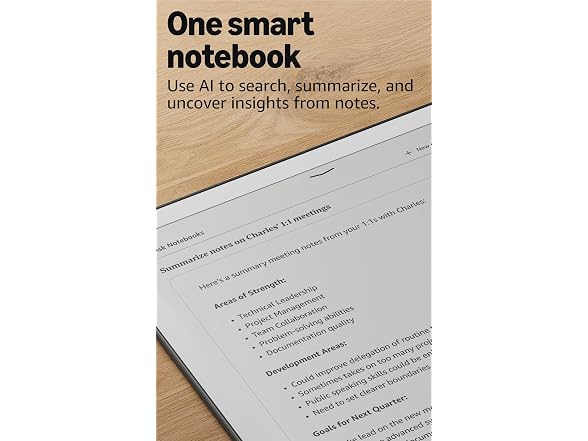
- Built-in notebook with AI-powered tools - Find information even if you don't remember exact keywords, and ask questions about your notes to uncover insights. Generate summaries, refine your handwriting, or convert notes to text.
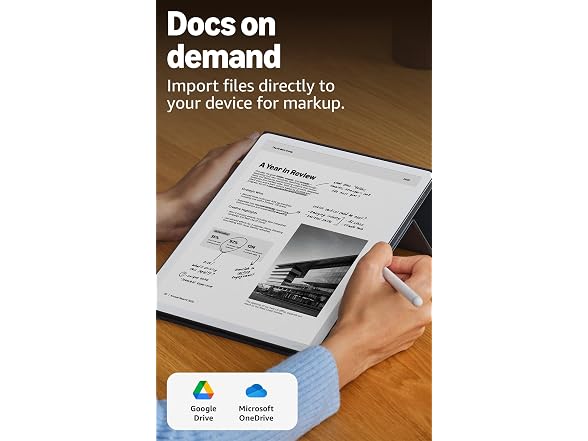
- Docs on demand – Import documents from Google Drive and Microsoft OneDrive directly to your device to mark up. Export your notebooks to Microsoft OneNote.
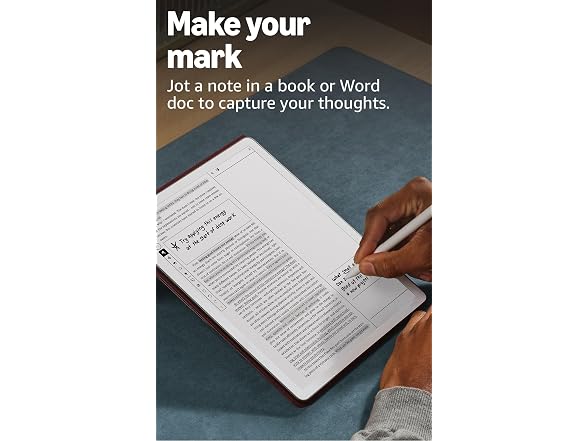
- Read and write in your books – Access millions of titles in the Kindle Store and capture your thoughts as you read. Just start writing and Active Canvas creates space for your notes. Expand or collapse margins as needed.
- AI reading features - Get Recaps on thousands of bestseller series, and now with Story So Far, get spoiler-free book catch ups. Coming in 2026: Ask this Book for in-text questions—available on thousands of Kindle books.
- Long battery life – Weeks of reading and writing on a single charge.
Shipping Note: Shipping to Alaska or Hawaii is not available for this item.
Warranty: 90 Day Woot Limited Warranty
Optional Asurion Protection Plan: To further protect your purchase, you can buy an Asurion protection plan from Amazon here. Review the FAQs for additional information.
Specs
Frequently asked questions
1. How can I import my documents onto Kindle Scribe?
You can now import Google Drive and Microsoft OneDrive documents, directly onto your Kindle Scribe. Most imports convert quickly in under a minute, but larger ones may take longer.
You can also use Send to Kindle to import documents from your desktop web browser and the Kindle app. Supported file types that you can import this way include PDF, DOCX, eBooks in EPUB format, as well as other common document formats like JPG, PNG, HTML, and TXT. When you import or export documents from Kindle Scribe, you're creating a new copy because syncing documents with Google Drive and Microsoft OneDrive isn’t currently supported.
2. How do I use the AI notebook summarize and refine tools?
To summarize, open a notebook, tap the AI icon, and select “Summarize”. Choose up to 15 pages (or specific pages from Bird's Eye View) to extract key takeaways, saving time in reviewing your notes. For writing refinement, tap the AI icon and choose “Refine Writing”. Select up to 10 pages to convert your handwriting into a polished, script-like font. This works best for narrative-style notes, to-do lists, or nested lists, but may not be as effective for non-linear layouts like calendars or planners. Both tools may need time to sync new notebooks. For a faster experience, tap “Sync” to manually sync your notes before using AI tools. You can customize the font style, size, and spacing of the output. Results are inserted into your notebook using a blank page template for a clean, organized presentation. AI notebook tools support English, Spanish, German, French, Italian, Portuguese and Dutch languages and are available in the US, Canada, UK, Germany, France, Italy, Spain, the Netherlands, Belgium, Ireland, Brazil, and Australia.
3. How do I ask questions and get answers about my notes?
You can ask questions about your notes by typing or writing them into the search bar. To get answers, you will need at least two notebooks, each with two or more pages related to your question. Your notes in those notebooks are automatically processed in the cloud to enable AI-powered search and chat. The more notes you add, the better the quality of the answers you will get. This feature is supported for English, Spanish, German, French, Italian, Portuguese and Dutch languages and are available in the US, Canada, UK, Germany, France, Italy, Spain, the Netherlands, Belgium, Ireland, Brazil, and Australia.
4. Can I view my notes on other Kindle surfaces?
You can view your Kindle Scribe notebooks through the Kindle app for iOS and Android. To access them, go to the “More” tab in the app and select “Notebooks” to view all the notebooks created on your Kindle Scribe. Additionally, you can view any highlights or sticky notes you made in books; however, you can’t view underlines or Active Canvas notes.
5. Can I create Child Profiles on Kindle Scribe?
No. Kindle Scribe doesn’t support Child Profiles at this time. If you are looking for a Kindle device for kids, we recommend Kindle Kids or Kindle Paperwhite Kids for black and white reading, or Kindle Colorsoft Kids, for color reading.
|
Display |
Amazon's 11” Paperwhite display technology with built-in light, 300 ppi, optimized font technology, 16-level gray scale. |
|
Size |
Device: 7.4” x 9.6 x .21 (189 x 245 x 5.4 mm excluding feet) |
|
On-Device Storage |
32 GB (23 GB available to user) or 64 GB (52 GB available to user) of internal storage. Feature updates may impact available storage. |
|
Weight |
Device: 14.1 oz (400 g) |
|
Wi-Fi Connectivity |
Supports 2.4 GHz and 5.0 GHz networks with support for WEP, WPA, WPA2 and WPA3 security using password authentication or Wi-Fi Protected Setup (WPS). Does not support connecting to ad-hoc (or peer-to-peer) Wi-Fi networks. |
|
Content Formats Supported |
Kindle Format 8 (AZW3), Kindle (AZW), TXT, PDF, unprotected MOBI, PRC natively; PDF, DOCX, DOC, HTML, EPUB, TXT, RTF, JPEG, GIF, PNG, BMP through conversion; Audible audio format (AAX). Learn more about supported file types for personal documents. |
|
Accessibility Features |
VoiceView screen reader, available over Bluetooth audio, provides spoken feedback allowing you to navigate your device and read books with text-to-speech (available in English only). Learn more about Accessibility for Kindle. |
In the box:
Kindle Scribe
Premium Pen
USB-C charging cable