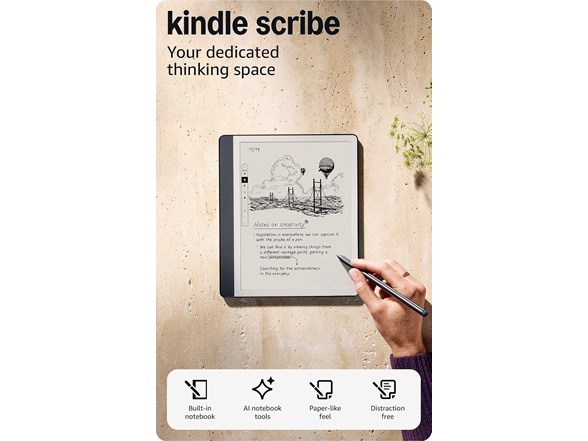
Amazon Kindle Scribe 64GB
Condition
Amazon Refurbished
Features
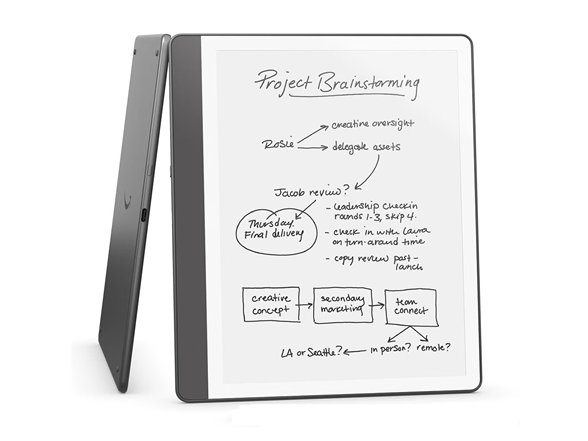
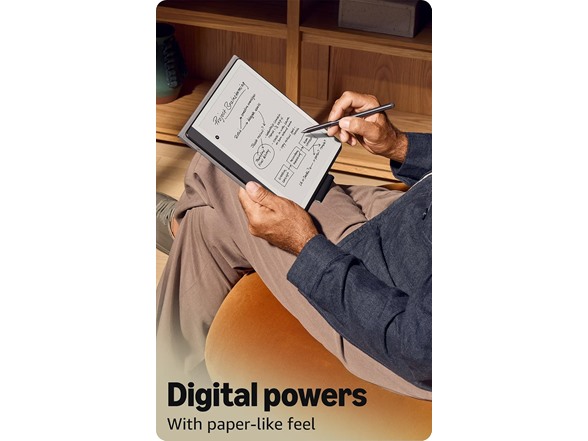
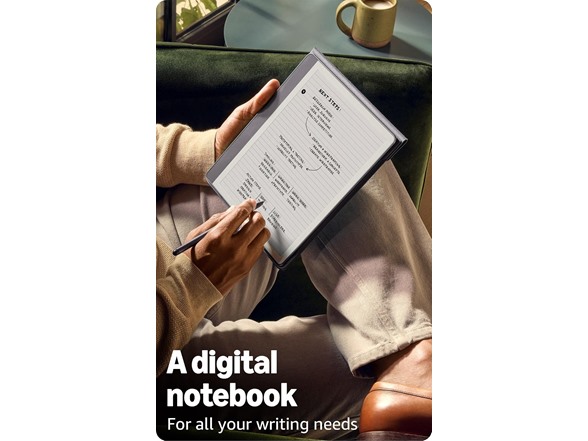
- A digital notebook for all your writing needs - Replace your stack of notebooks with a single device purpose-built for writing, reading, and thinking. No notifications or social media.
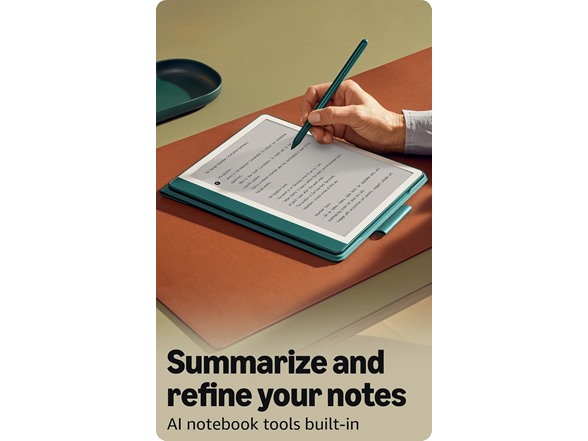
- With AI tools to transform your notes - Convert messy handwriting into readable font, summarize your notes, and change their length and tone with built-in AI notebook tools.
- Feels like pen on paper - See, feel and hear your thoughts meet the page with every stroke of the Premium Pen. No need to set up or charge, just start writing.
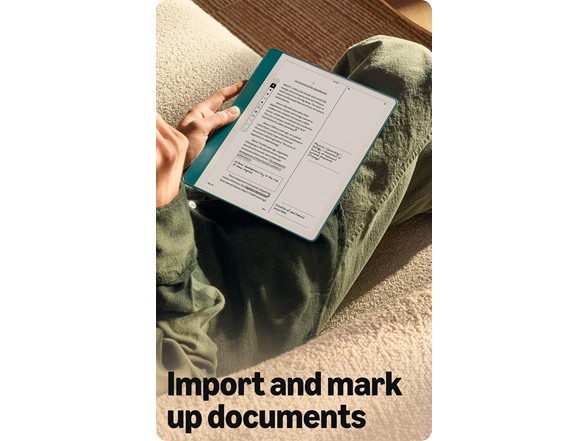
- Easily import and mark up documents - Import documents and PDFs using Send to Kindle, and mark them up directly on the page.
- Capture insights as you read – Just start writing on a book's page and Active Canvas will create space for your notes. Expand the margins to add more notes, or collapse them to see the original page.
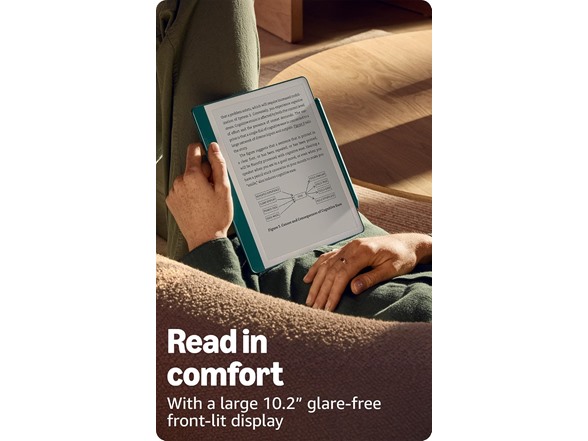
- Read comfortably in any light - The 10.2" glare-free, 300 ppi front-lit display is designed for reading and writing anytime, indoors and out.
- Power that keeps up with your ideas - Read for months, write for weeks, all on a single charge.
Shipping Note: Shipping to Alaska or Hawaii is not available for this item.
Warranty: 90 Day Woot Limited Warranty
Optional Asurion Protection Plan: To further protect your purchase, you can buy an Asurion protection plan from Amazon here. Review the FAQs for additional information.
Specs
Frequently asked questions
1. How can I import my documents onto Kindle Scribe?
Use Send to Kindle to import documents from your desktop web browser, or the Kindle app. Supported file types that you can import this way include PDF, DOCX, eBooks in EPUB format, as well as other common document formats like JPG, PNG, HTML, and TXT.
2. Can I view my notes on other Kindle surfaces?
You can view your Kindle Scribe notebooks through the Kindle app for iOS and Android. To access them, go to the “More” tab in the app and select “Notebooks” to view all the notebooks created on your Kindle Scribe. Additionally, you can view any highlights or sticky notes you made in books; however, you can't view underlines or Active Canvas notes.
3. How do I use the AI notebook tools?
To summarize, open a notebook, tap the AI icon, and select “Summarize”. Choose up to 15 pages (or specific pages from Bird's Eye View) to extract key takeaways, saving time in reviewing your notes.
For writing refinement, tap the AI icon and choose “Refine Writing”. Select up to 10 pages to convert your handwriting into a polished, script-like font. This works best for narrative-style notes, to-do lists, or nested lists, but may not be as effective for non-linear layouts like calendars or planners.
Both tools may need time to sync new notebooks. For a faster experience, tap “Sync” to manually sync your notes before using AI tools. You can customize the font style, size, and spacing of the output. Results are inserted into your notebook using a blank page template for a clean, organized presentation. AI notebook tools are supported for the English language and are available in the US.
|
Display |
Amazon's 10.2” Paperwhite display technology with built-in light, 300 ppi, optimized font technology, 16-level gray scale. |
|
Size |
Device: 7.7” x 9.0 x .22 (196 x 230 x 5.7mm excluding feet) |
|
On-Device Storage |
64 GB |
|
Weight |
Device: 15.3oz (433g device only) |
|
Wi-Fi Connectivity |
Wi-Fi 5 with support for WPA2/WPA3 personal security using password authentication or Wi-Fi Protected Setup (WPS). Bluetooth 5.2 |
In the box:
Kindle Scribe
NO STYLUS OR CHARGING CABLE/ADAPTER INCLUDED