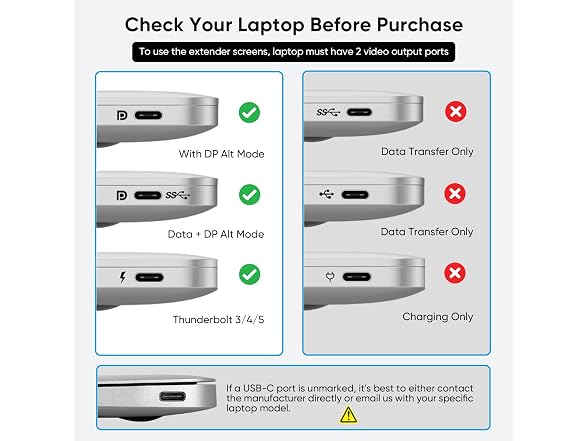
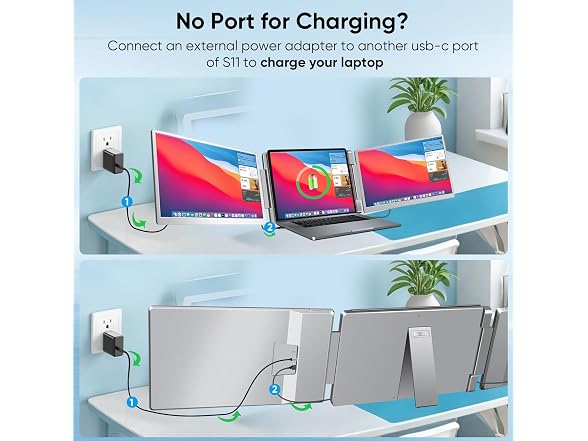
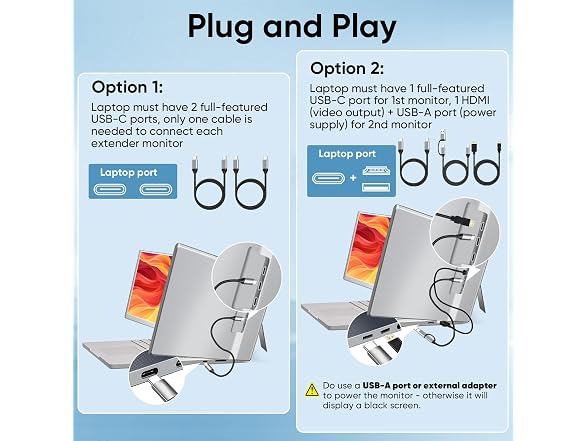
"Question: Why is my laptop screen extender showing “No Signal”? Answer: ""No signal"" indicates the connected port does not support video output, such as USB-A and charge/data-only USB-C ports. Please switch to a full-featured USB-C or HDMI port to resolve the issue. Question: Why one of screens stays completely black with no display at all? Answer: The monitor was connected via HDMI port, need to power it by USB port or wall socket. Question: How to ensure that two screens work simultaneously? Answer: To use the extender screen, laptop must have 2 video output ports, either HDMI or ful-featured C port. When connected to the HDMl port, the screen has to be powered by USB port or wall socket. Question: Is this monitor compatible with MacBooks? Answer: It is not compatible with M1, M2, or M3 MacBooks, but it does work with M4 M5 chipset, and all Pro or Max series. Question: Does it come with a protective case? Answer: It comes with a carrying bag included in the package for protection and portability. Question: Can it be used with gaming consoles? Answer: It can work with gaming consoles like Nintendo Switch and PS5 that have HDMI or USB-C video output capabilities. Question: How to check if USB-C supports video output? Answer: You can quick identify it by the ""⚡"", ""D"" & ""P"" symbols, or refer to the detailed port description provided by the laptop manufacturer to verify whether it supports the DisplayPort (DP) protocol."
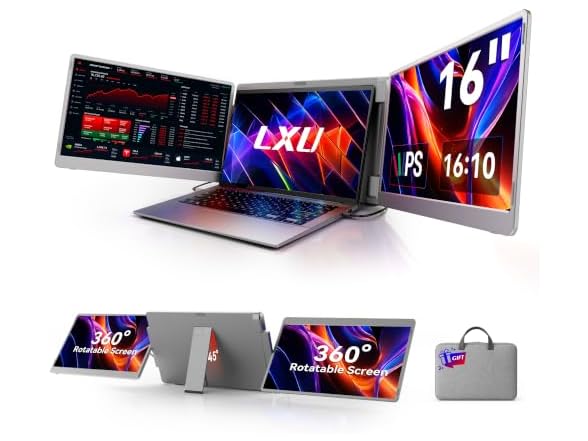
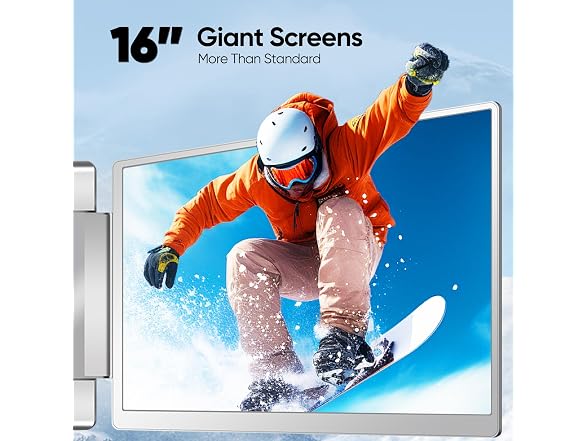
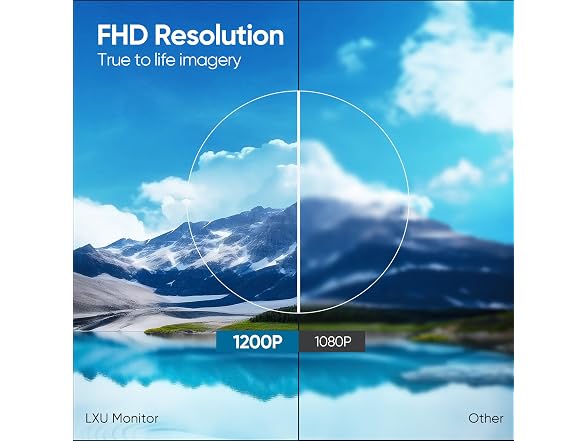
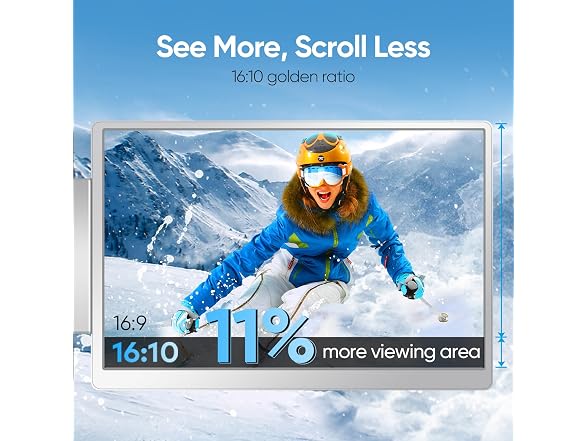
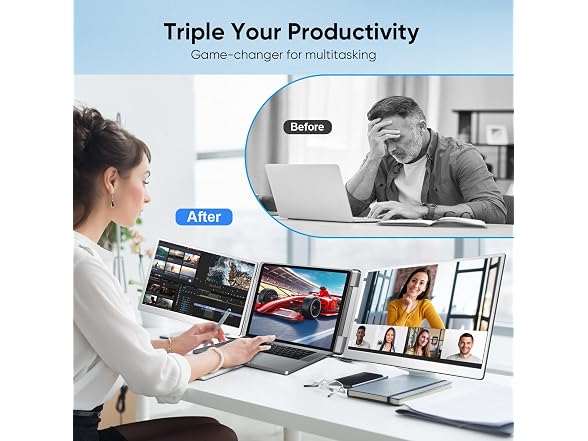
- Enjoy an expansive and lifelike visual experience with 16" 1200P extended screen
- 16:10 aspect ratio delivers a tangible upgrade for productivity and creative workflows
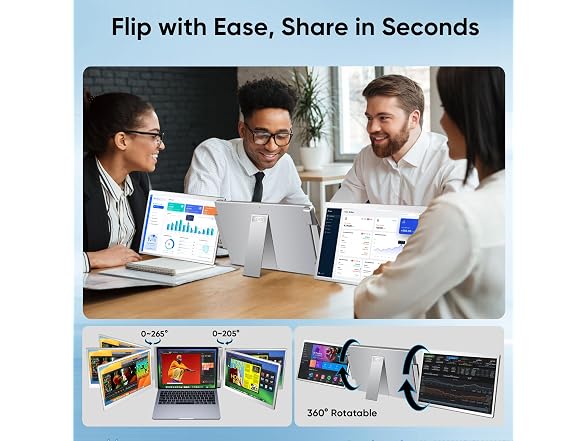
- At just 4.4 lbs with a compact design, it unlocks ultimate portability
- Low blue light tech cuts eye strain during marathon sessions
- Plug & play for on-the-go professionals, no driver needed
- Not for MacOS M1 M2 M3 chipset, fits for M5 M4 and all Pro or Max series
Shipping Note: Shipping to Alaska, Hawaii, PO Boxes, and APO addresses is not available for this item
Warranty: 90 Day Woot Limited Warranty