Remanufactured Ink Cartridge


13 days left or until sold out
Retail Price: $27.99 (+64%)
Features
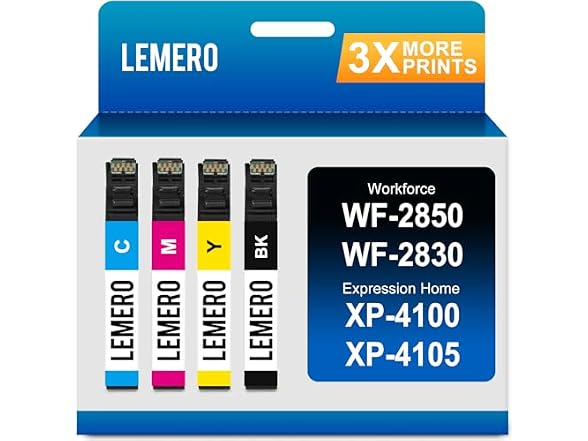
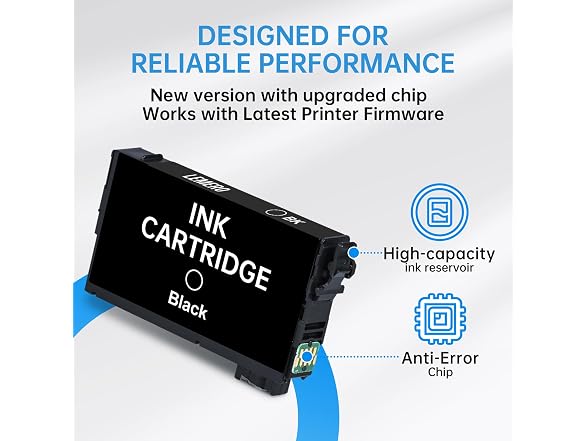
- Package Included: With Upgraded Chip remanufactured replacement for 212XL ink cartridge for epson printer replacement for Epson 212 XL high yield
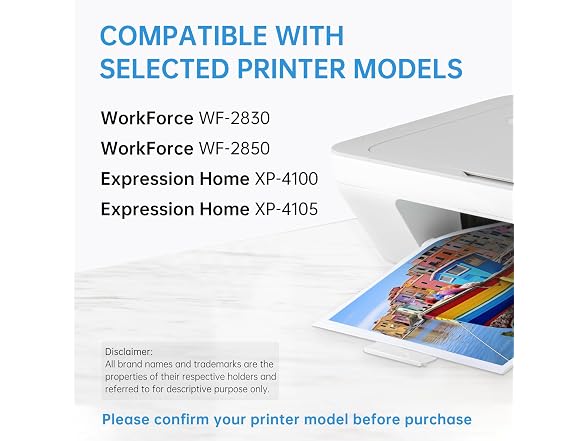
- Replacement for 212 Ink Cartridge Printer Compatility: Workforce WF-2850 WF-2830 Expression Home XP-4100 XP-4105
- Remanufactured replacement for 212XL ink cartridge Page Yield: Black is 600 pages per replacement for 212XL ink cartridges, Color is 450 pages per replacement for 212XL ink cartridges at 5% coverage rate
- Contents: 1 x Black replacement for 212XL ink, 1 x Cyan replacement for 212XL ink, 1 x Yellow replacement for 212XL ink, 1 x Magenta replacement for 212XL ink
- Optimize the performance of replacement for Epson 212 ink cartridge for smooth, long-lasting, and vibrant color printing
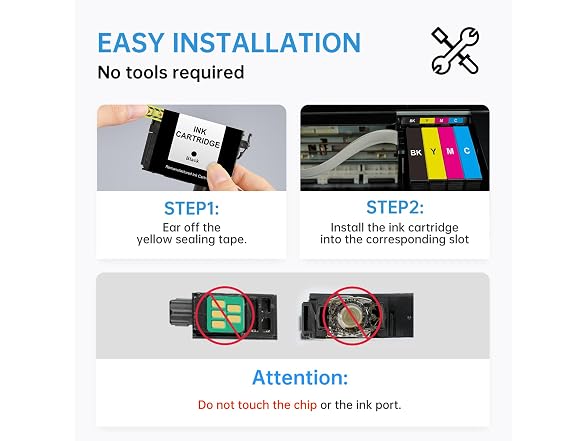
- Replacement for epson 212xl ink cartridges combo pack 4. Please avoid touching the chip during installation to ensure proper recognition.
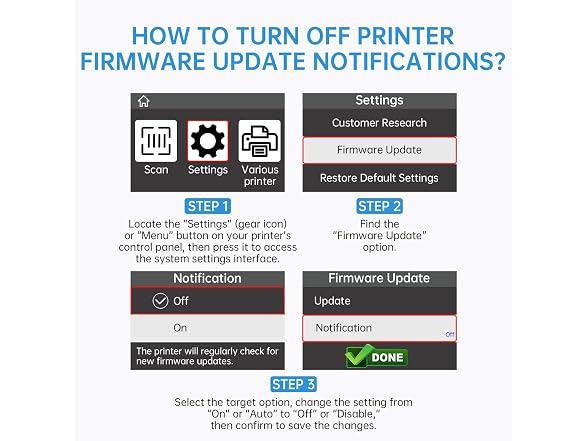
- How to Turn Off Printer Firmware Update Notifications?<1>Locate the “Settings” (gear icon) or “Menu” button on your printer’s control panel, then press it to access the system settings interface.<2>Find the “Firmware Update” option<3>Select the target option, change the setting from “On” or “Auto” to “Off” or “Disable,” then confirm to save the changes.
Shipping Note: Shipping to Alaska, Hawaii, PO Boxes, and APO addresses is not available for this item
Warranty: 90 Day Woot Limited Warranty
Specs
- (1) LEMERO Remanufactured Ink Cartridge Replacement for Epson 212 Ink 4-Pack